
Too often, Discovery, Design, and Build get disconnected, leading to inconsistencies, rework, and wasted time.
Project outcomes improve when the discovery, design, and implementation phases are unified and work together. When your research, prototype, design, and build tools work together, the process becomes much more efficient, with iterative steps leading to better, faster outcomes.
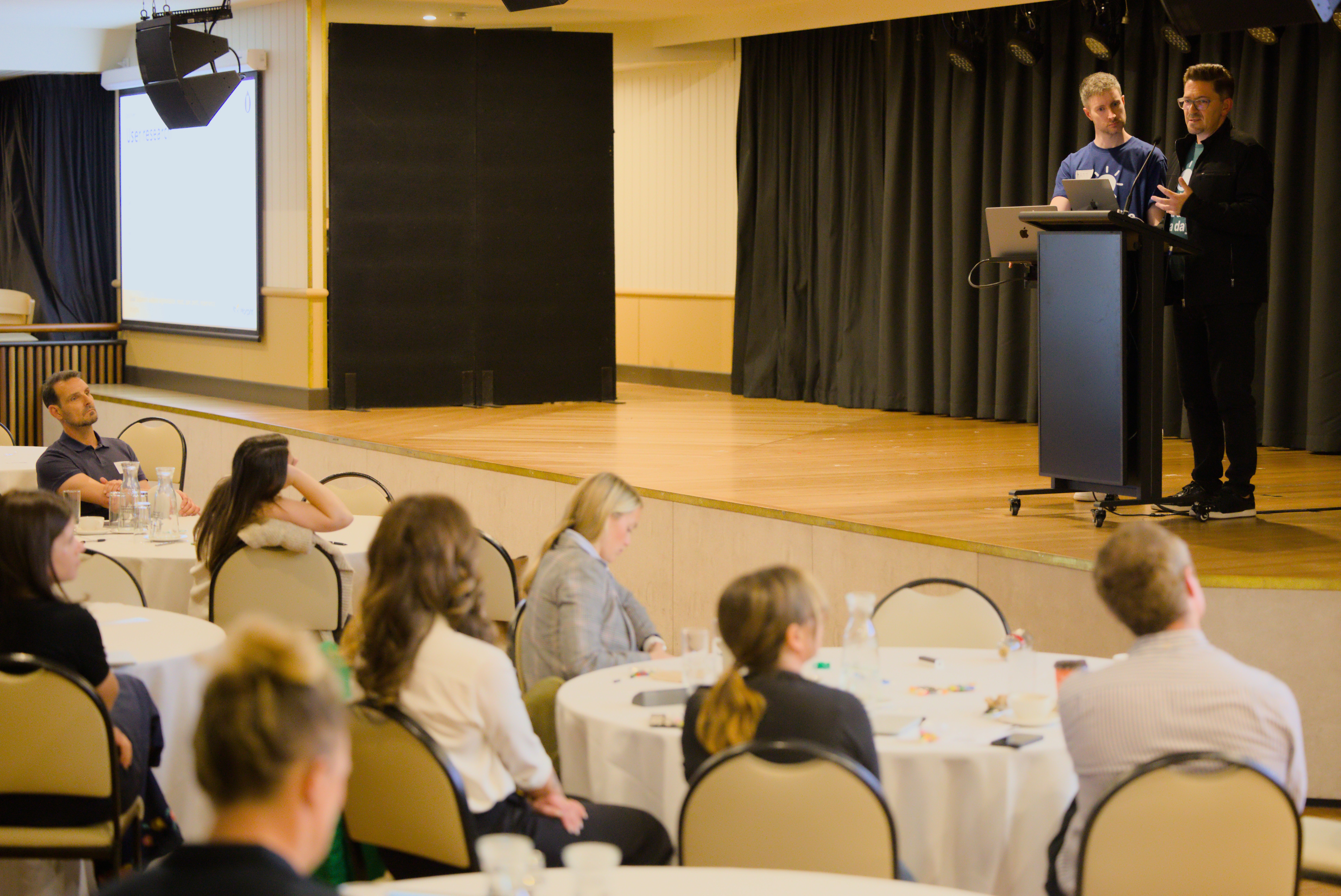
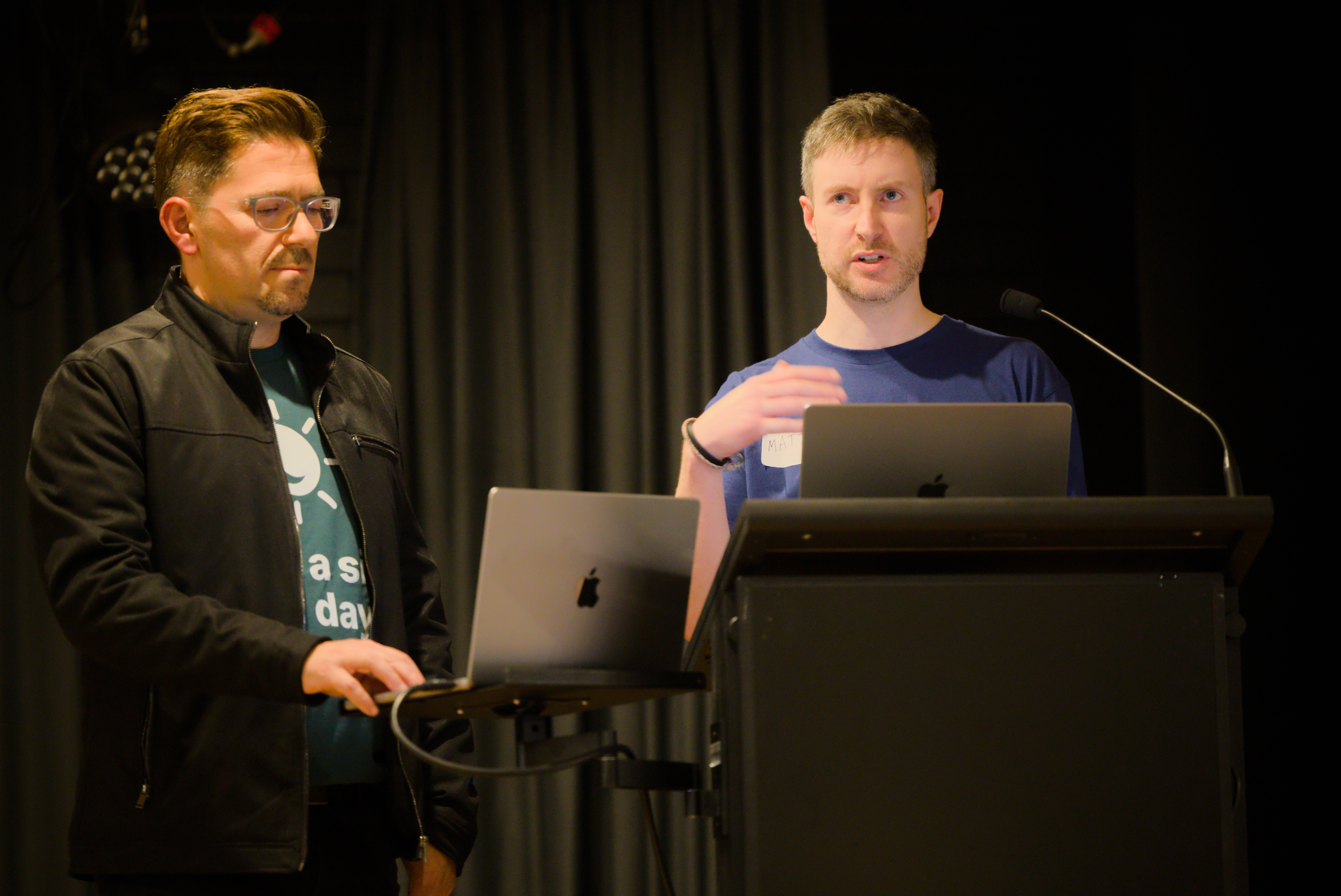
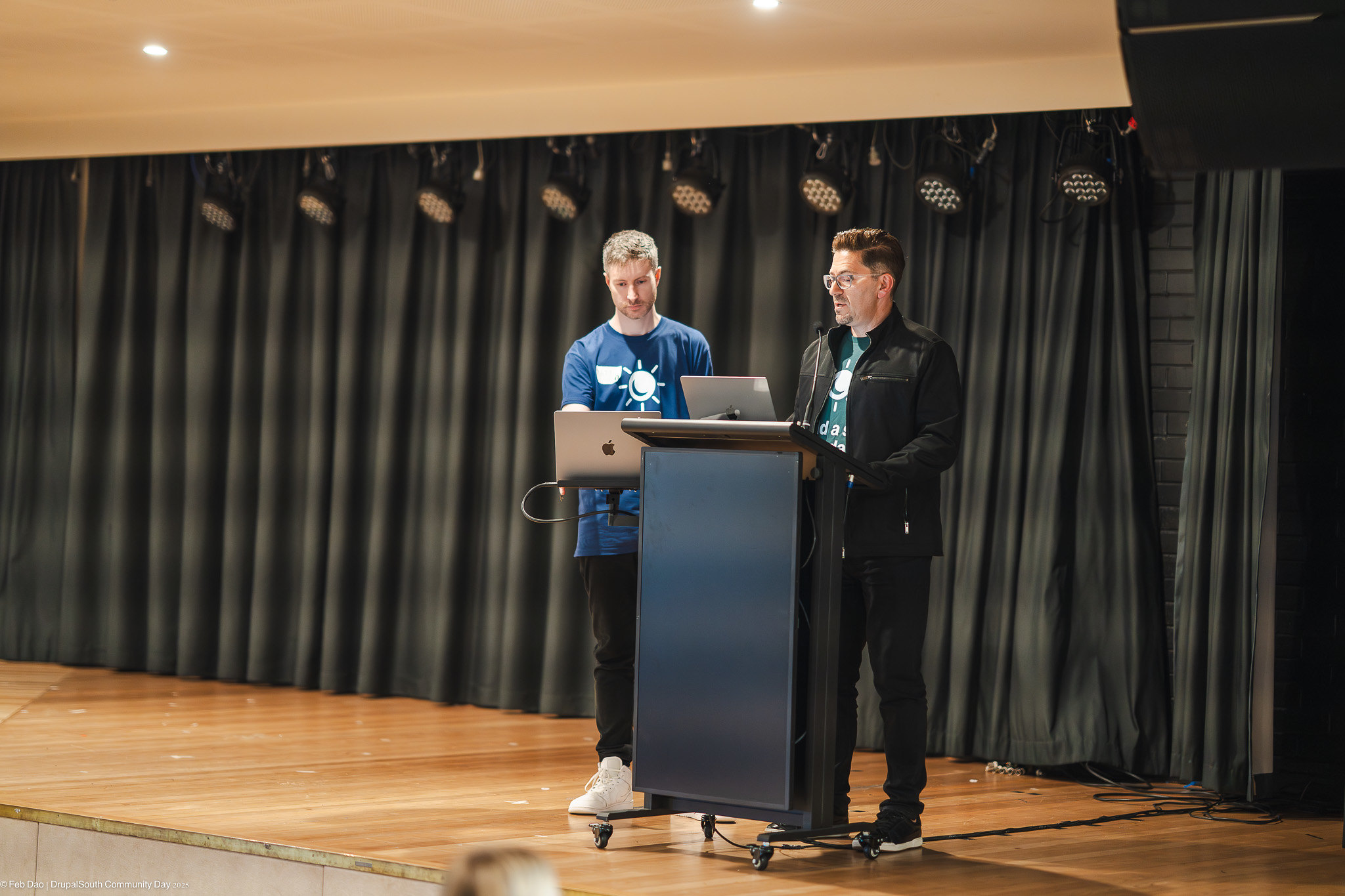
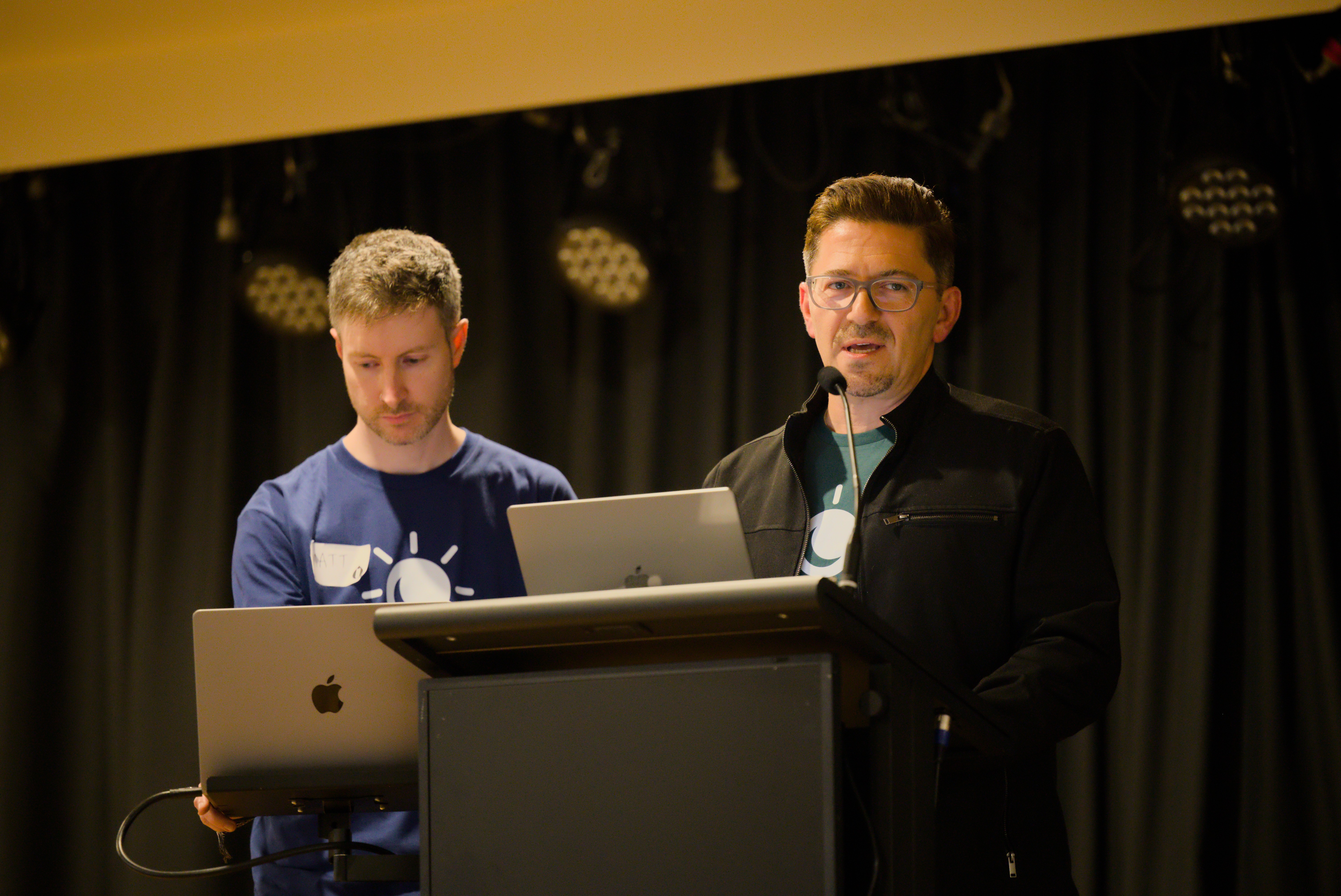
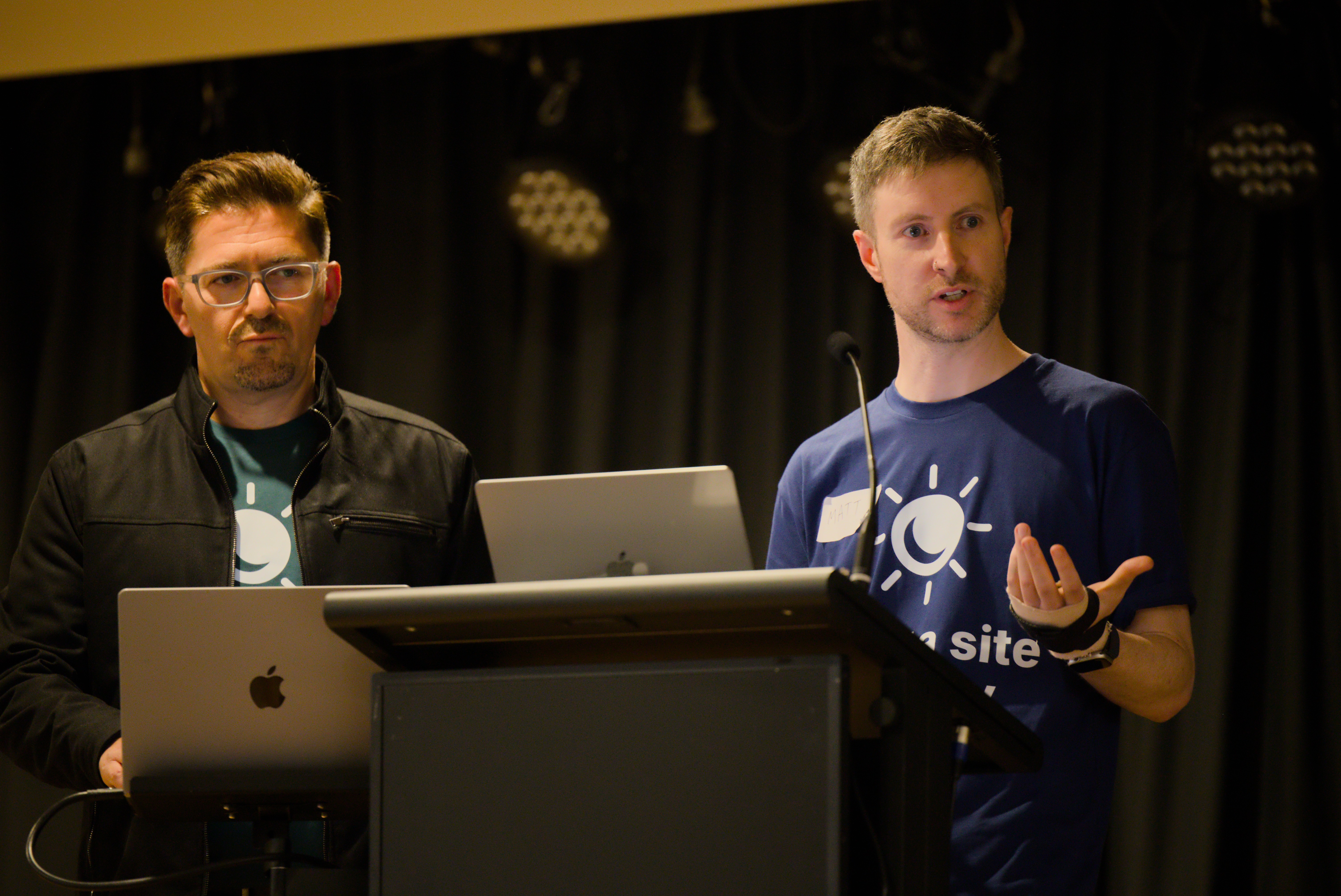
André and Matt demonstrated how to create a workflow that bridges the gap between research, design, and implementation to ensure that decisions are grounded in evidence, and designs are ready for build.
The goal is to harmonise the process and the toolset towards a more efficient flow to deliver improved outcomes.
Discovery
Human-centred design
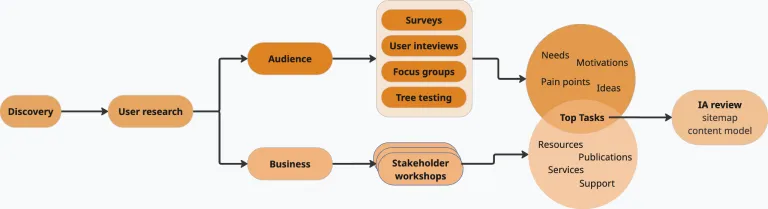
Discovery is anchored in a human-centred design approach. Our goal is simple: to create solutions people find genuinely useful while also supporting organisational objectives.
We begin with a series of workshops and stakeholder meetings to understand the business environment in depth. These conversations help us uncover how the organisation sees its audience, clarify business needs and services, gather plans and documentation, explore technical requirements and document the current content model. Together, these insights give us a clear picture of the ecosystem the website needs to support.
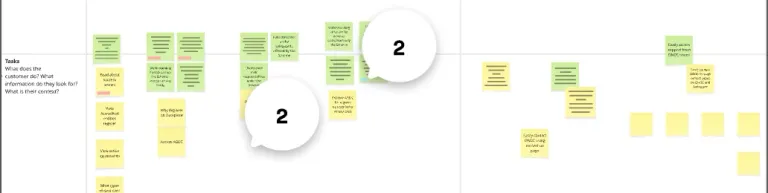
Alongside this work, we conduct user research tailored to the project. Methods may include interviews, focus groups, surveys, task ranking exercises, tree testing or journey mapping. The aim is to build a detailed understanding of audience segments, their needs, pain points, behaviours and expectations. This knowledge evolves into the IA, connecting research with site structure.
Define
Once we have gathered user and business insights, we refine them into the structural foundations of the site. This includes the information architecture, sitemap, content hierarchies, user flows and the broader content model, such as content types, taxonomies and relationships.
This research helps form the core structure of the website. It guides the design phase and shapes the layouts, components and overall user experience. While this work is underway, the design process begins in parallel and usually starts with applying the client's branding.
UI design

Creative brief
Every design project begins with a creative brief that outlines the purpose of the site, the target audiences, the brand personality and the intended look and feel. We also review any existing marketing material and collect assets such as brand guidelines, logos, typography, icons, illustrations, photography and textures. This information sets the foundation for the visual design direction.
Starting with the Convivial design system
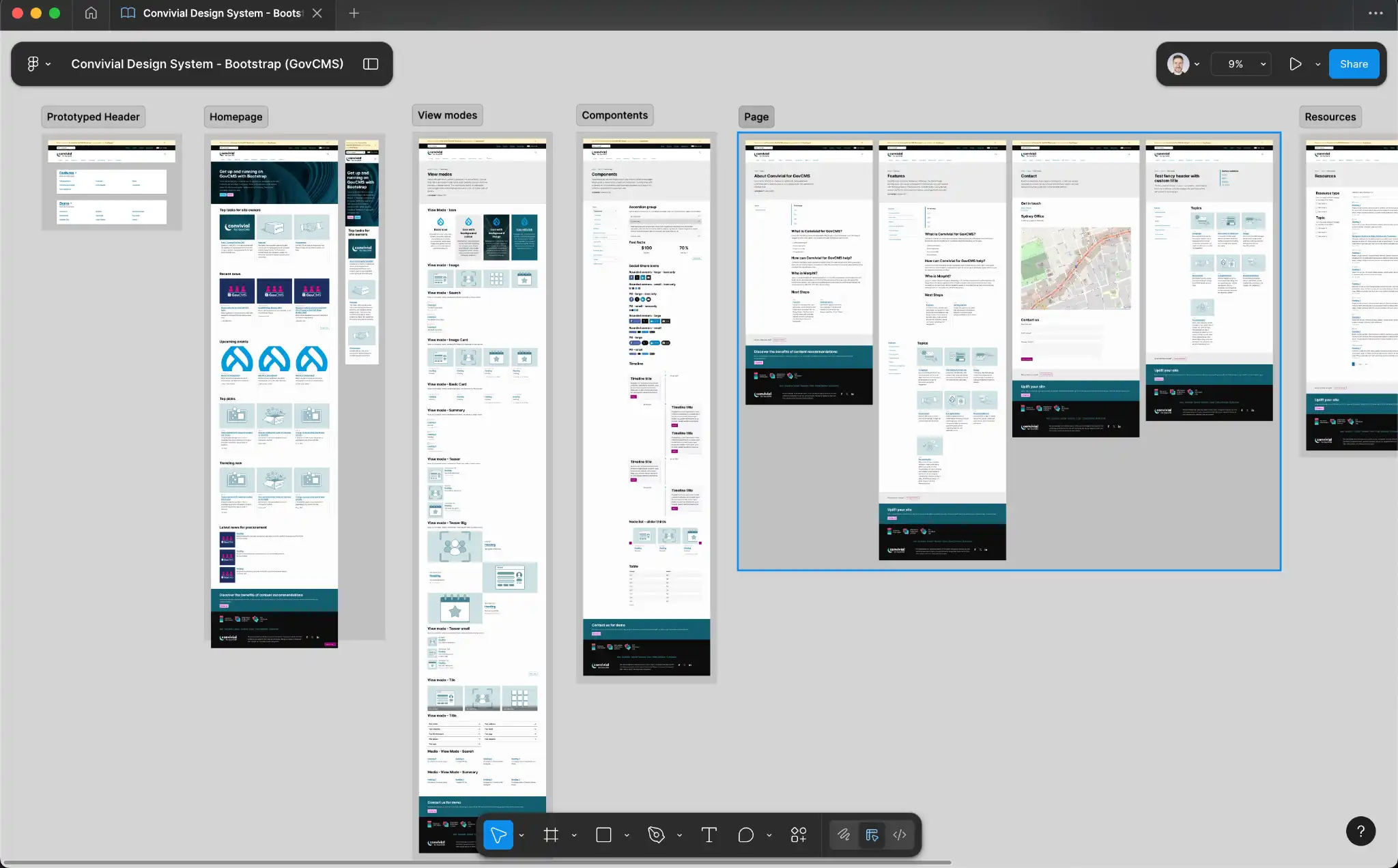
All projects begin with our Convivial starter theme, fully replicated in Figma. This provides a strong foundation that includes components, spacing systems, variables, interaction patterns, view modes, colour variations and typography settings. By duplicating this file at the beginning of each project, we can focus on branding, hierarchy and experience rather than rebuilding basic components from scratch.
Applying branding
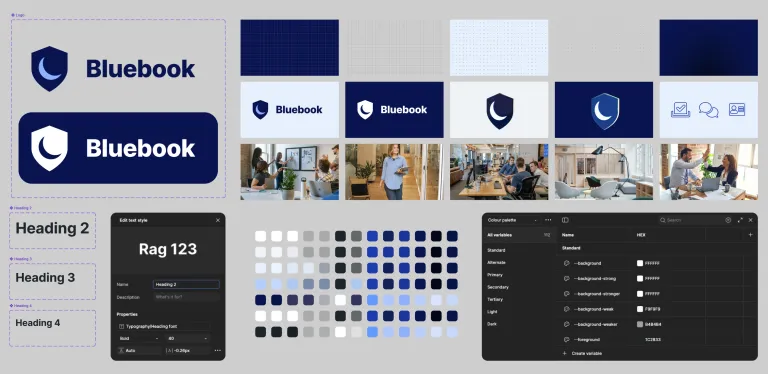
We then apply the project’s branding to the design system. Logo components are updated across the entire file, colour palettes are refined with accessibility in mind and theme variables such as background strengths or accent scales are adjusted.
Typography is set using Figma variables, with spacing, line-height and character styles refined as needed. Textures, illustrations, icons and photography are then introduced to create a unique visual identity for the client.
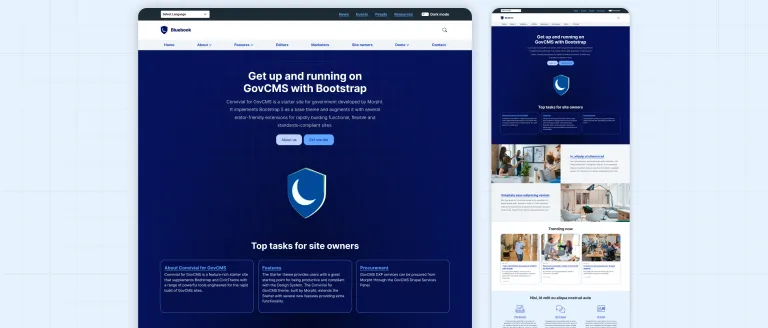
Visual design concepts
With the brand foundations in place, we begin shaping the visual language. Icons, graphics, imagery and background textures are combined to create depth and personality. Components and layouts also start to evolve in response to real content hierarchy and user needs.
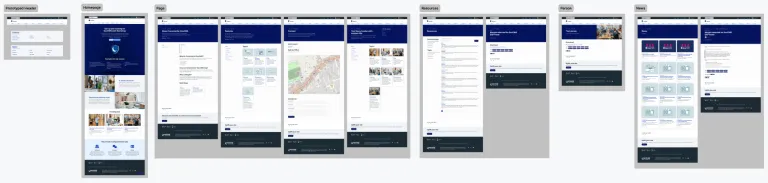
Page layouts and templates
Our base Figma file includes a collection of standard templates, such as landing pages, content pages and resource listings. This head start allows us to focus on content structure, visual polish and overall experience. It also speeds up delivery and makes feedback clearer and easier to action, especially when timelines are tight.
Note: This was extremely helpful when your designer breaks his hand playing basketball ¯\_(ツ)_/¯.
A prebuilt interaction model
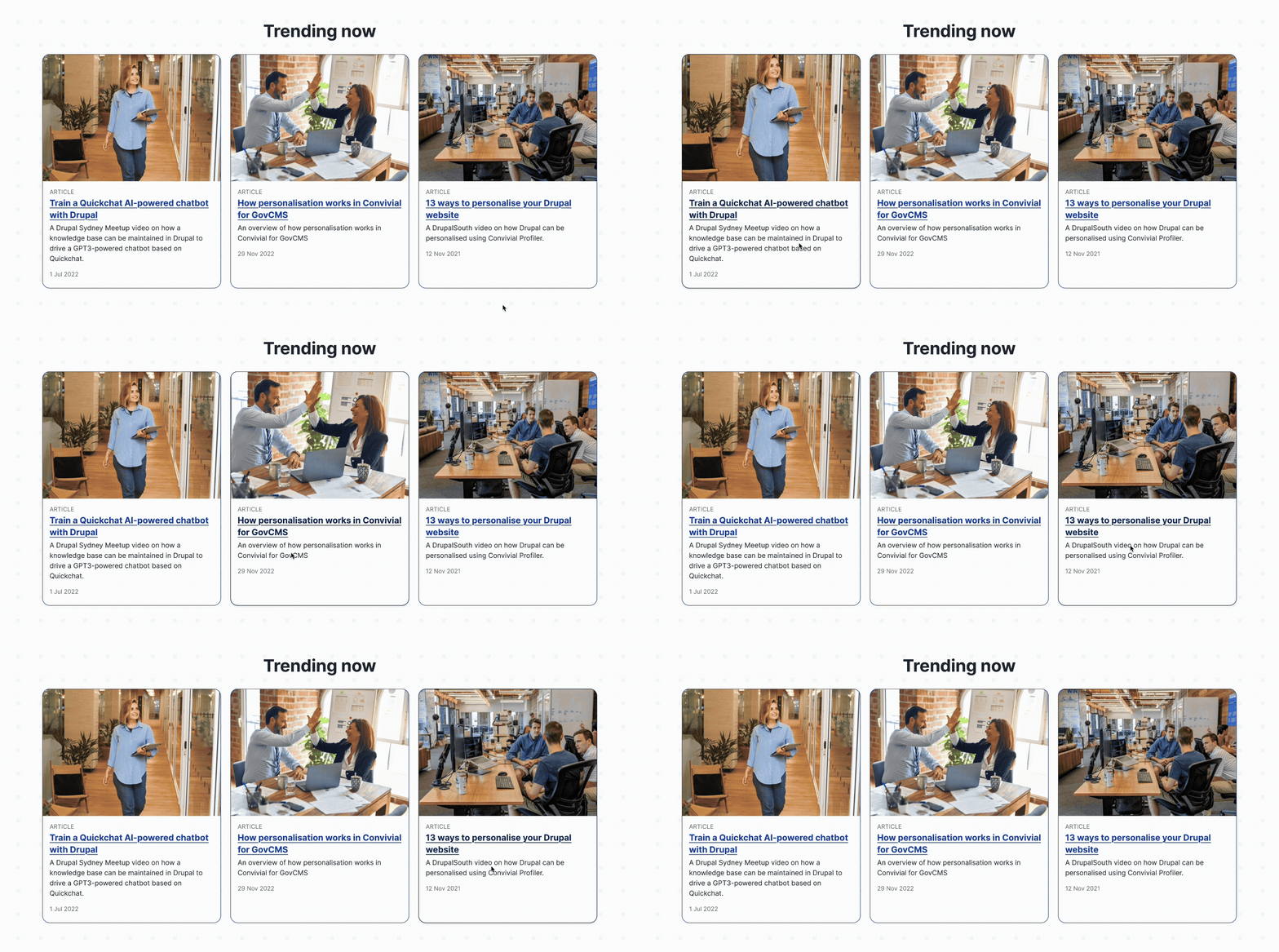
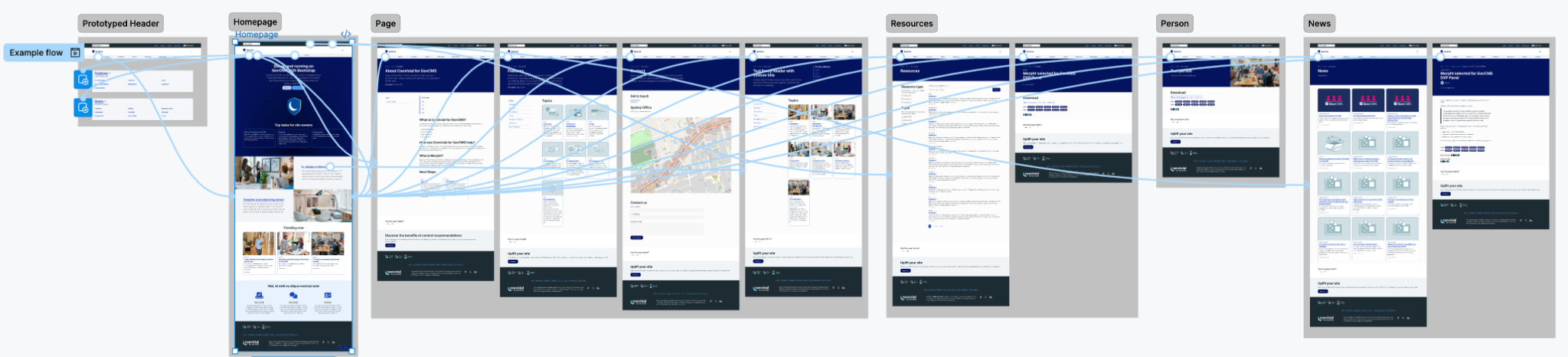
The Figma prototype is not static. It includes hover states, dropdowns, menus, link interactions and other micro-interactions. This enables realistic user flow testing early in the project and helps clients understand how the final product is likely to behave.
Unified pipeline: Where discovery meets design
This is the point where research and design come together. With clear insights from Discovery, we can create a user experience that is grounded in evidence. This informs navigation models, information hierarchies, content types, relationships, landing page patterns, required functionality and broader user flows.

High-fidelity wireframing from the start
We distil the knowledge captured so far and model the user experience in wireframes. Our design system master file provides an extensive foundation; often, we skip low-fidelity sketches entirely and move straight into high-fidelity wireframes. These screens include real components, interactions, layouts and content structures. This allows for earlier testing, clearer communication and far fewer surprises later in the project. Many test participants even assume the prototype is a working website.
Testing: Validate, iterate, improve
We use Optimal Workshop for unmoderated usability testing, importing our Figma prototype directly. This allows us to evaluate navigation patterns, content hierarchy, component interactions, and user flows. Any updates made in Figma are automatically reflected in the testing environment.
During analysis we review heatmaps, click paths, first-click accuracy and user confidence ratings.
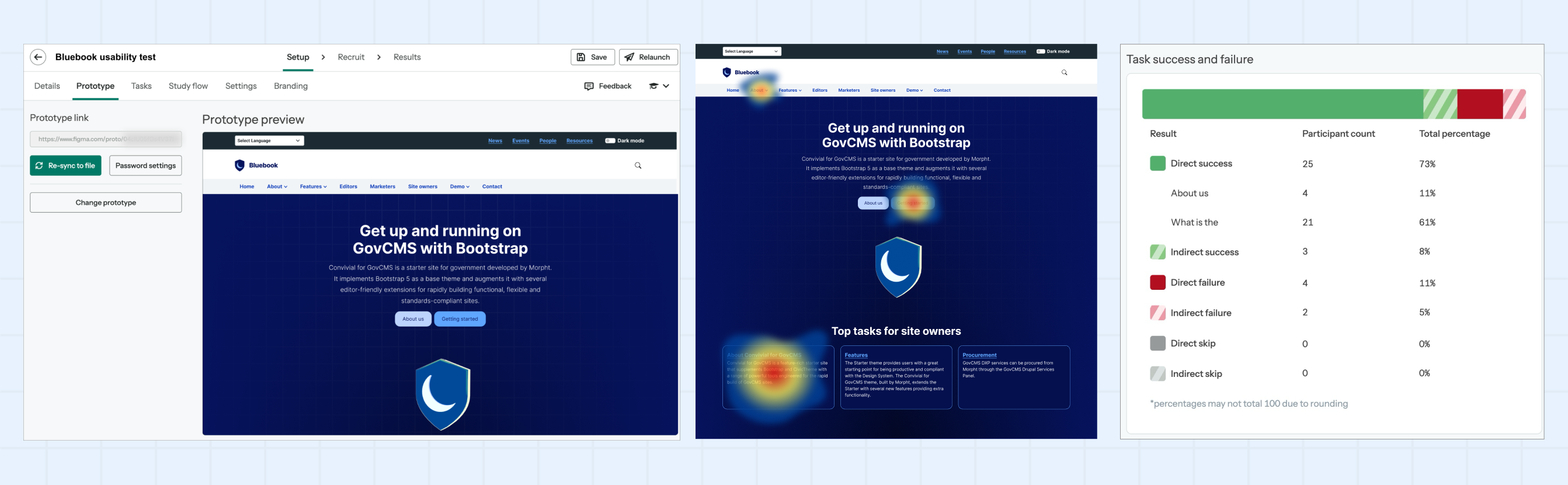
Based on these insights, we refine the prototype by adjusting layouts, adding or removing sections, modifying information architecture, introducing or updating content types, improving interactions, strengthening calls to action or enhancing UX copy.
Each refinement is iteratively validated before progressing.
Conclusion
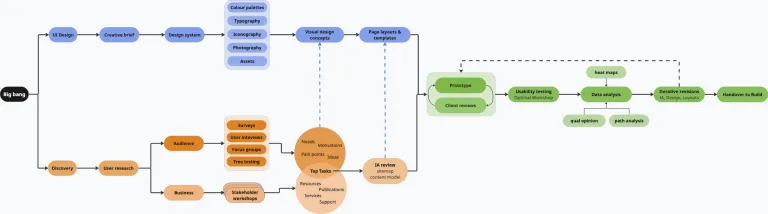
A successful website is the result of Discovery and Design working closely together. Insight-driven prototypes, unified tools that integrate directly with Figma and continuous testing all contribute to a faster, clearer and more reliable process.
By combining research, information architecture, UX, UI design and testing into one cohesive workflow, we create websites that are meaningful, functional and shaped around the needs of real users and the organisations that serve them.